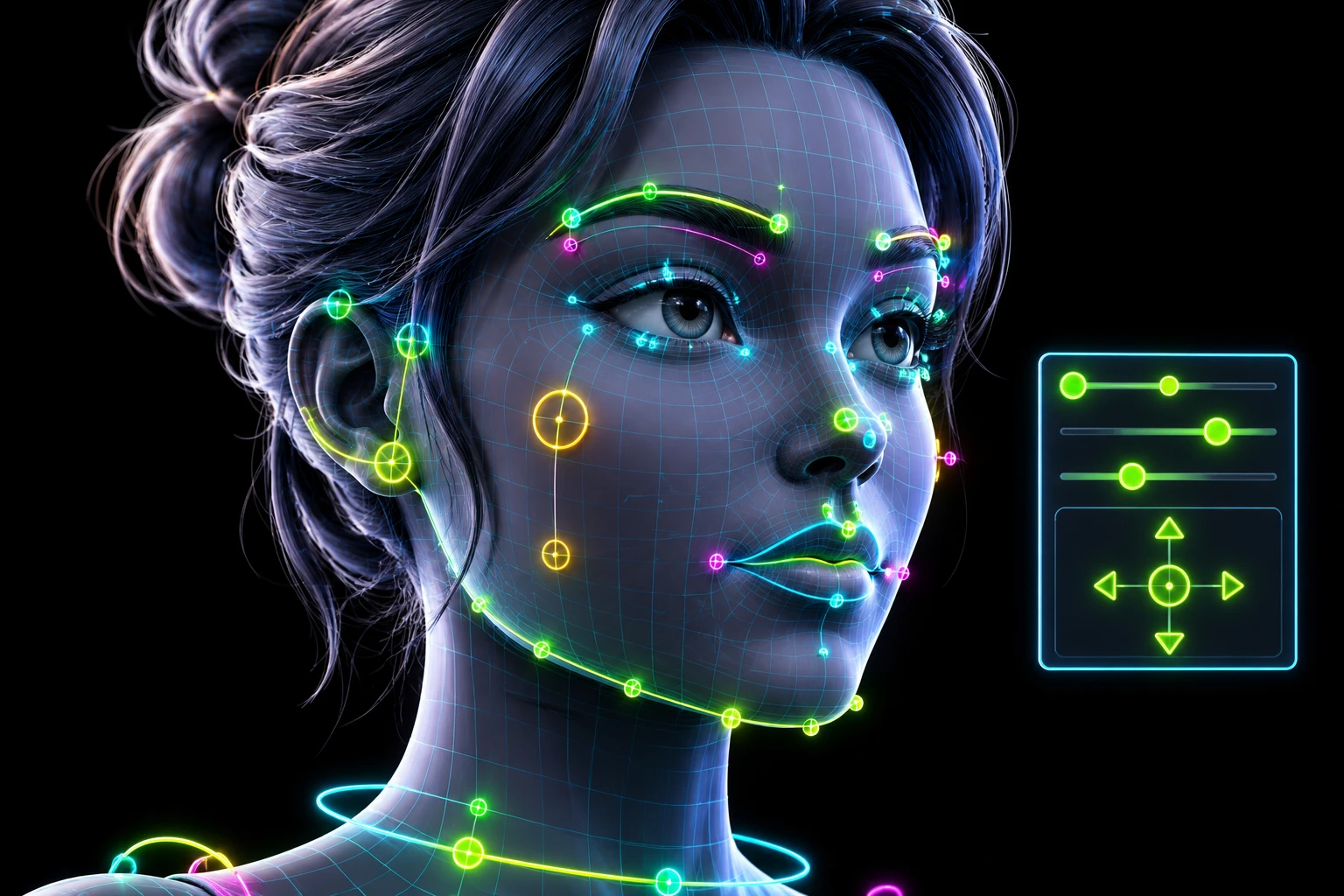
Your character’s face, rigged and talking today
Upload your own head mesh and get 52 ARKit blendshapes and a Maya control panel back, built on your topology. Test every expression free in your browser.
Weeks of shape sculpting, done in minutes
A facial rig usually means sculpting dozens of shapes by hand, or sending your character away for days. Here you place a few markers and your character is ready to talk before your coffee is cold.
Your mesh, untouched
Your topology, vertex order and UVs stay exactly as you made them. No retopology, no wrapping onto a base head.
52 ARKit blendshapes
The industry-standard shape set, ready for Live Link Face and face capture, plus visemes for lip sync.
103 controls in Maya
An easy box-based panel for mouth, jaw, nose, cheeks, eyes, brows and lips. Drag a box, see the expression.
True left and right
Smirks and one-sided brow raises are real, independent expressions.
Test before you pay
Every control works in your browser before you spend a credit.
Straight into your engine
Blendshape-only FBX: no retargeting and no custom rig to strip out in UE5 or Unity.
Rig it free. Pay only when you love it.
Create an account and rig your own character right now. Build the facial rig and try every control in your browser. You only spend a credit when you download the full files.
- Free facial previewSmile, blink, open the jaw: every control, live on your character.
- Free re-rigs, foreverRebuild the same character as often as you like.
Seven steps, most of them automatic
Upload your character
Drop in your head mesh (.obj or .fbx, neutral expression, facing forward). Single-mesh heads work, and so do characters with separate teeth, tongue and eyes.
Place a few markers
A few clicks on your own mesh (eyes, mouth corners, jaw hinge, ears, nose, base of the head) and the rig fits your character’s proportions, not a generic average face. Under a minute.
Tag teeth, tongue and eyes
Optional. Tag separate parts so they move with the jaw and gaze instead of stretching with the skin.
Build
A full expression set is transferred onto your character’s own topology, keeping your mesh’s UVs and shape. Usually 10–15 minutes.
Preview every control, free
Smile, frown, open the jaw, raise a brow: test the same control panel you’ll get in Maya, live on your character in the browser.
One click into Maya
Install the plugin once. Open Maya, sign in and pull any of your characters: mesh, blendshapes and a ready-to-animate control panel. No files to download, no scripts to paste.
Export to your engine
Animate with the box controls, then export. The plugin bakes your performance into a clean, blendshape-only FBX that Unreal Engine 5 and Unity import as morph targets.
Install once. Every character is one click away.
Sign in to the MotionMessenger plugin inside Maya and your characters are right there. One click builds the mesh, the blendshapes and the control panel. Animate, export, done.
- No files to download or scripts to paste
- Easy box controls, not a maze of sliders
- Exports a clean blendshape-only FBX for UE5 and Unity
Pay per character
Build and test free. A credit unlocks the Maya plugin sync and script for one character.
Single Facial Rig
Facial rigging for one character.
One character
- 1 Facial Rigging credit
- 52 ARKit blendshapes + Maya control panel
- Maya plugin sync and script
- Free rebuilds of the same character
Facial Creator Pack · 5 characters
For character teams and smaller productions.
$13.40 per character · save $28
- 5 Facial Rigging credits
- 52 ARKit blendshapes + Maya control panel
- Maya plugin sync and script
- Free rebuilds of the same character
Facial Studio Pack · 15 characters
A volume package for large facial-rigging batches.
$9.93 per character · save $136
- 15 Facial Rigging credits
- 52 ARKit blendshapes + Maya control panel
- Maya plugin sync and script
- Free rebuilds of the same character
Questions
What file do I upload?
A .obj or .fbx of your character’s head, neutral expression, facing forward. Teeth, tongue and separate eyes are optional; if your character has them, tag them for more accurate jaw and eye motion.
Do I need Maya?
For the finished, animatable rig with the full control panel, yes: Maya with the MotionMessenger plugin. You can build the rig and test every control in your browser first, for free, with no software at all.
What is ARKit, and why does it matter?
ARKit is Apple’s standard set of 52 facial blendshapes, first built for iPhone face tracking. Live Link Face and most performance-capture tools speak it natively, so an ARKit-ready character plugs into that whole ecosystem without conversion work.
Will it work in Unreal Engine 5 or Unity?
Yes. Both engines expect facial animation as blendshape (morph target) weights, which is exactly what the plugin exports. The control rig stays in Maya; your file contains only the baked blendshape performance.
Can one side of the face move on its own?
Yes. Mouth corners, cheeks, nose and mouth stretch are independent left and right, so a smirk or a one-sided brow raise is a real expression, not a mirrored one.
How long does it take?
Placing the markers takes under a minute. Building takes 10–15 minutes per character.
Do I upload a character again to use it later?
No. Once it’s built, sign in to the Maya plugin and pull any of your characters whenever you need them.
What about stylized or non-human faces?
Place the markers on your character’s own features, even unusual ones. The rig is built around where you put them, not a fixed template.
Is this an AI tool?
No. It’s an automated, geometry-driven pipeline: your mesh and the markers you place drive the result directly. Same input, same rig, every time. No generative guesswork.
Does a pack limit how many times I can rebuild?
No. A credit is used when you upload a new character. Rebuilding, re-exporting and pulling that character into Maya are free, as often as you like.
Give your character a face
Build it and try every expression free.